
Bank scorecard development in one workflow
ISA - Intelligent Scoring Assistant
ISA provides a structured, traceable and documentable modelling process for credit risk and binary classification tasks.
The modelling workflow from data to documentation
Every step works from the same active dataset, so variables, decisions, curves and results stay consistent and traceable.
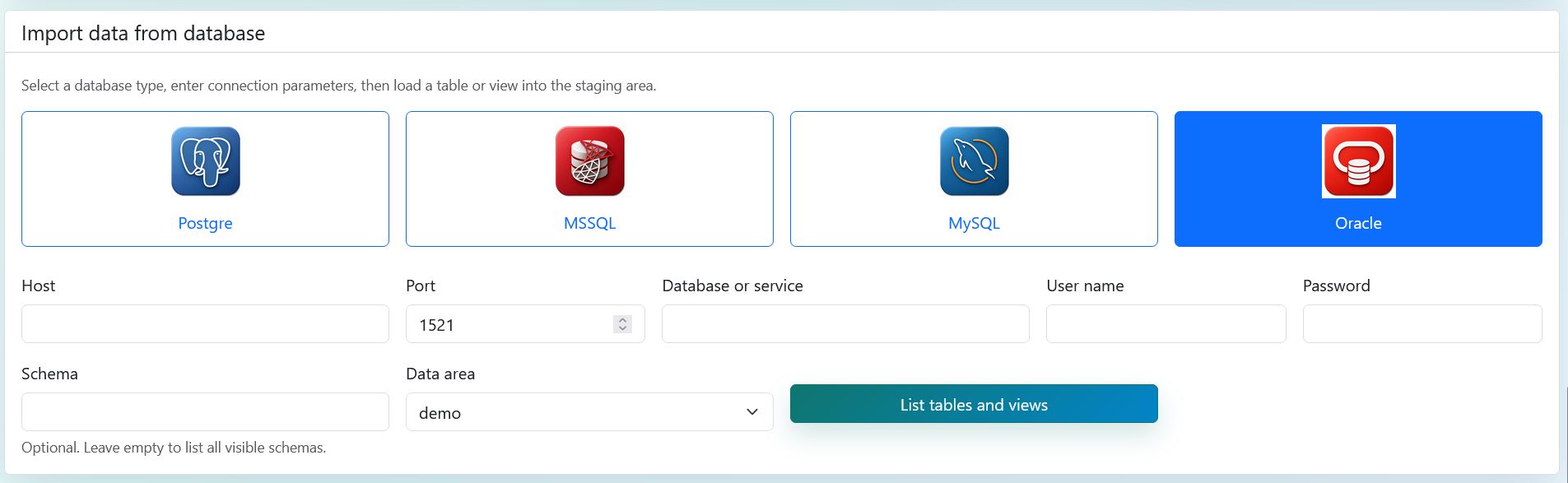
Data management
Upload datasets, import database objects, copy data and choose the active dataset.
The workflow starts from a clearly selected modelling dataset that the later steps automatically use.
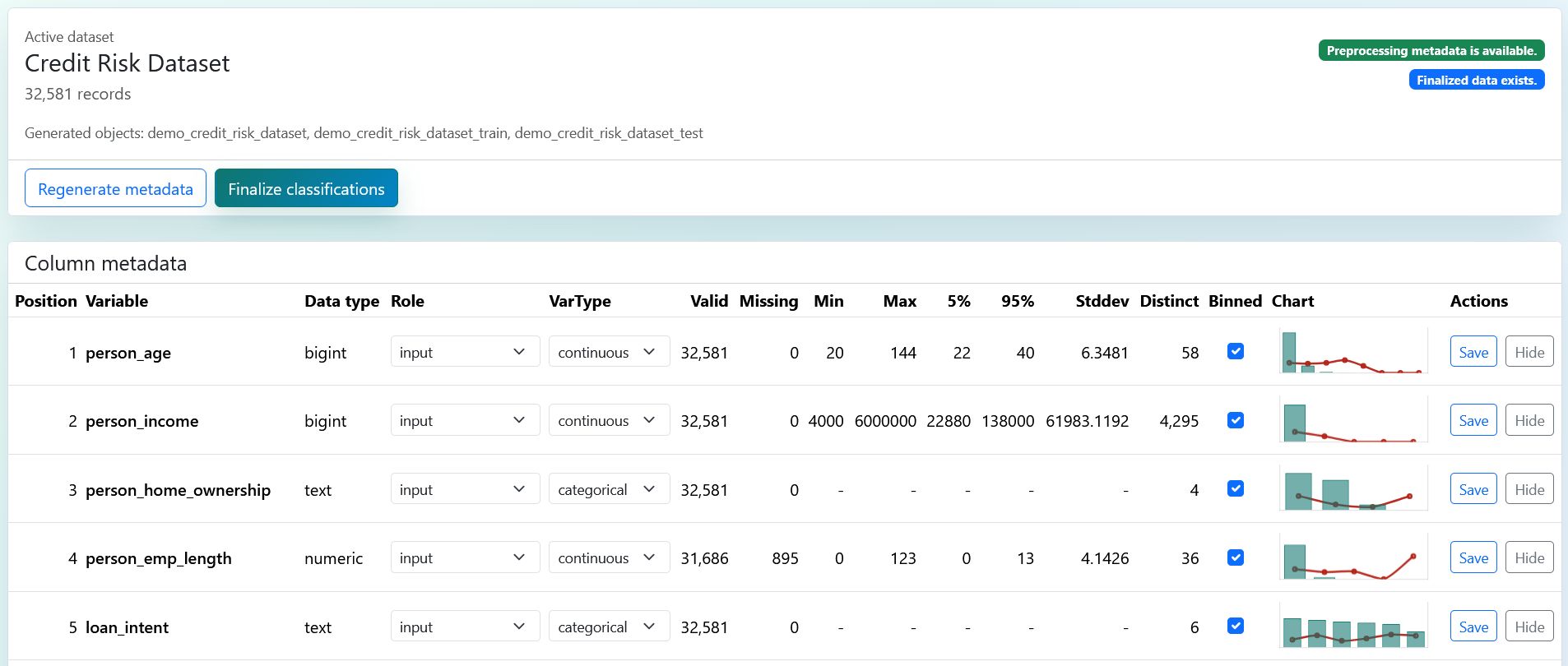
Preprocessing
Review variable roles, data types, missing values and modelling exclusions.
Target, ID, partition, time dimension and reject decisions are stored in the same metadata model.
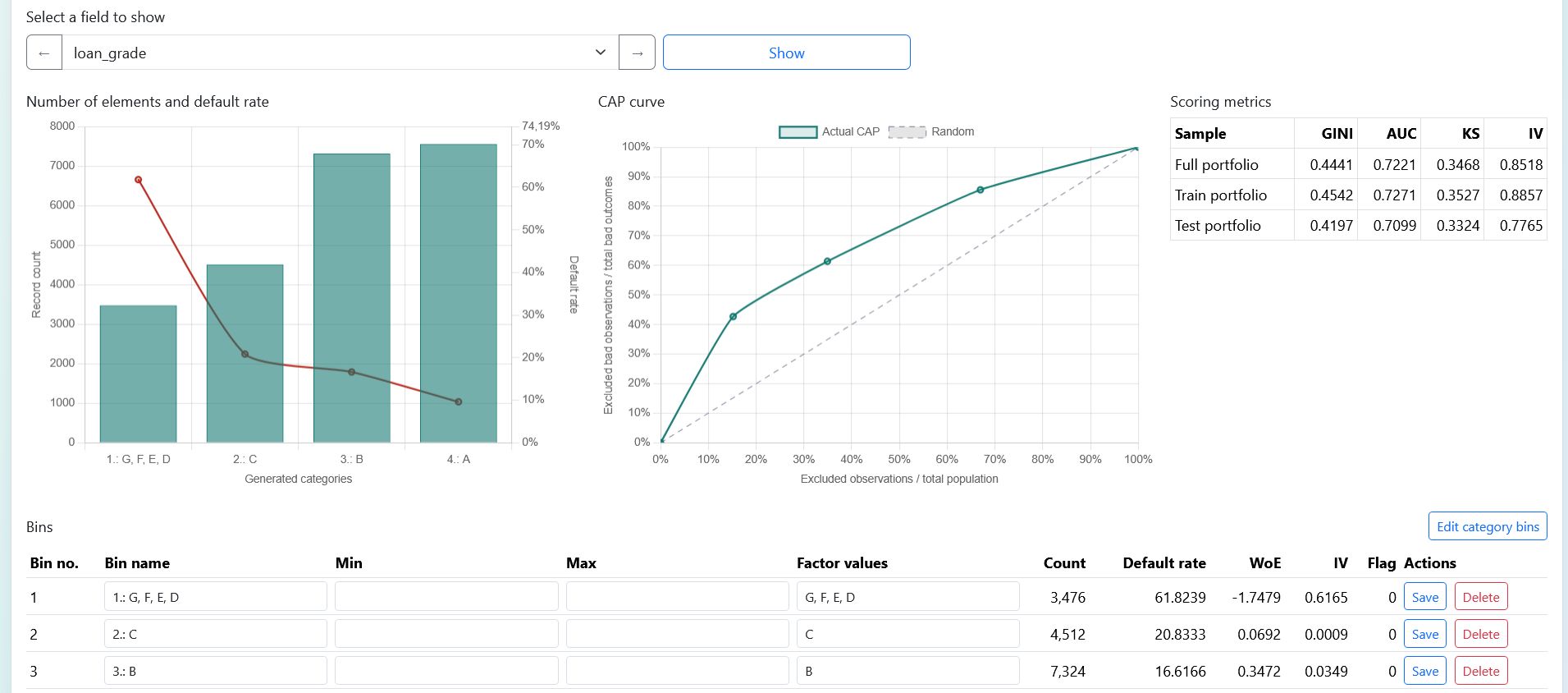
Binning and WoE
Automatic binning, bin editing, WoE and IV results prepared for modelling.
The finalized WoE source provides a reliable base for correlation, time stability and regression modelling.
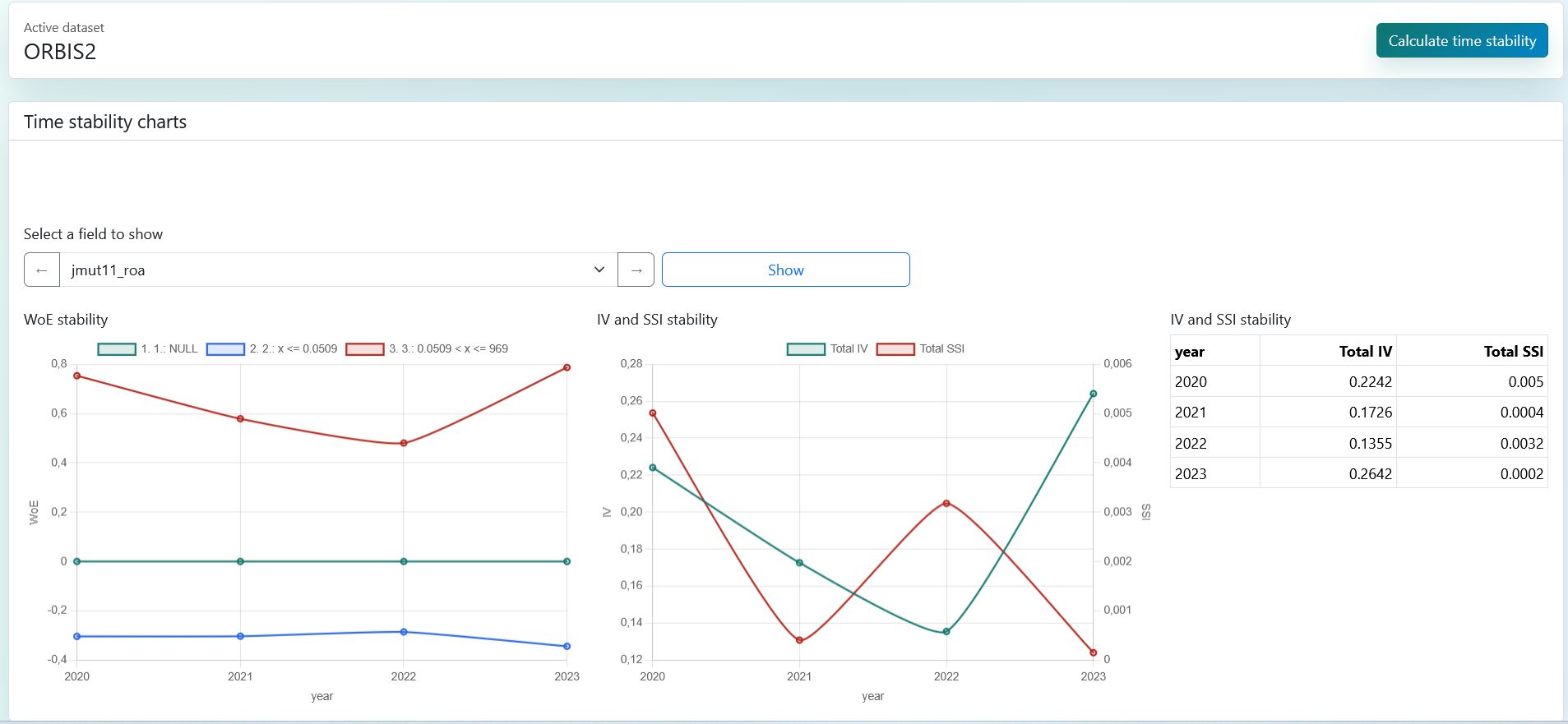
Time stability
Review SSI, WoE and IV stability along the selected time dimension.
Stability results flow directly into variable review and model variable tables.
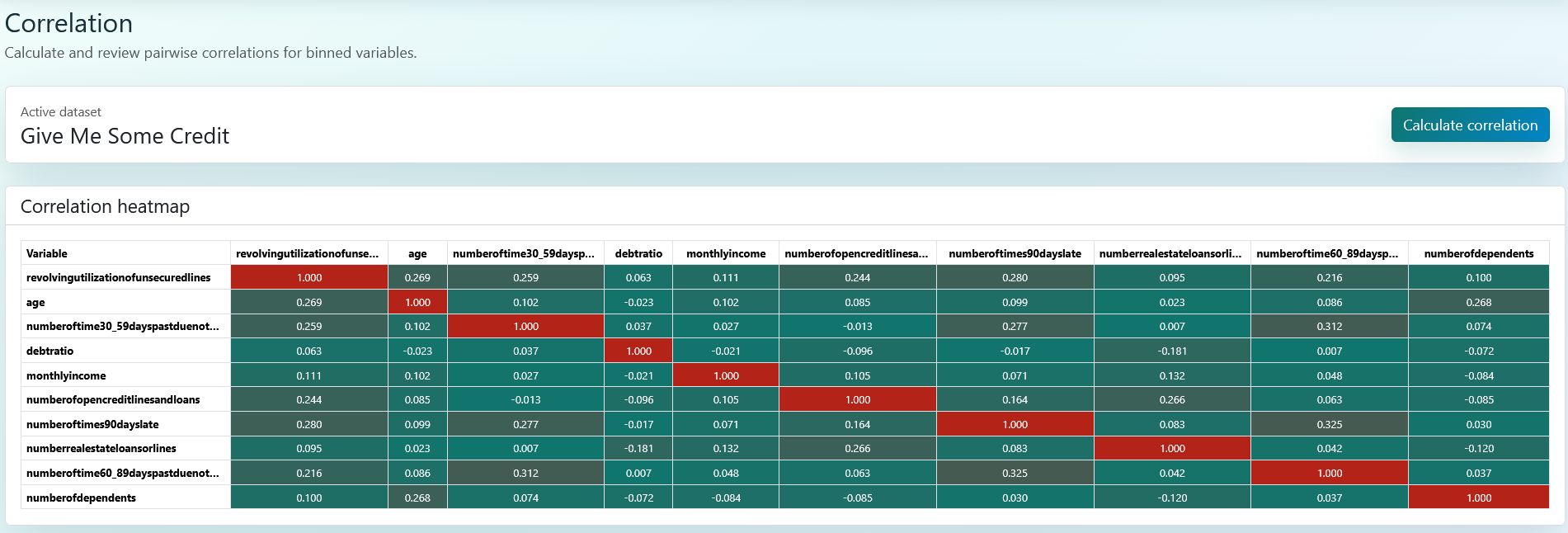
Correlation filtering
Pairwise correlation of binned variables and removal steps for redundant variables.
Selection decisions are reflected in the modelling variable suggestions.
Logistic regression
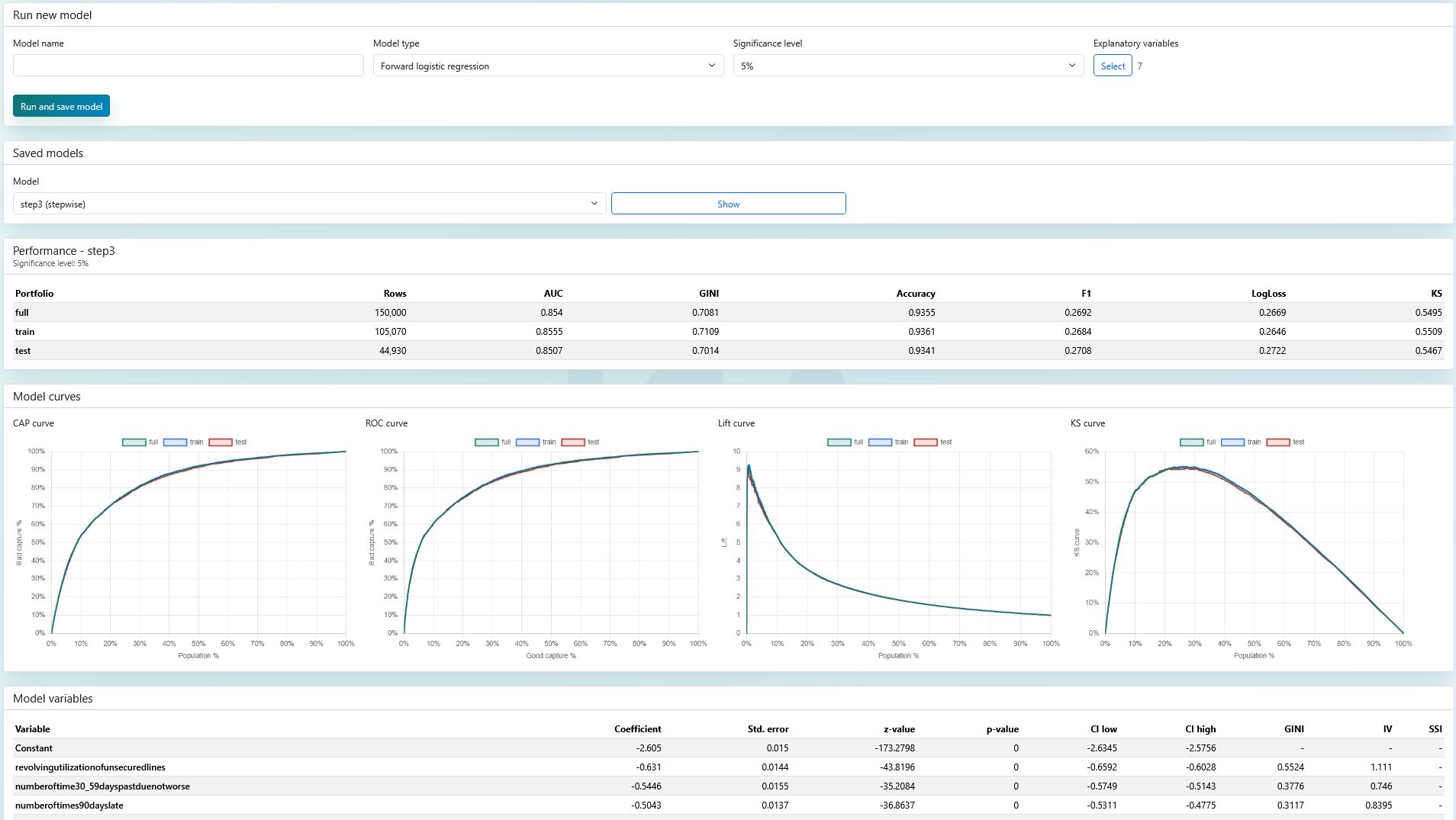
Forward, backward, enter and stepwise modelling with saved models and performance comparison.
CAP, ROC, Lift and KS curves help evaluate train, test and full portfolios quickly.
Automated documentation
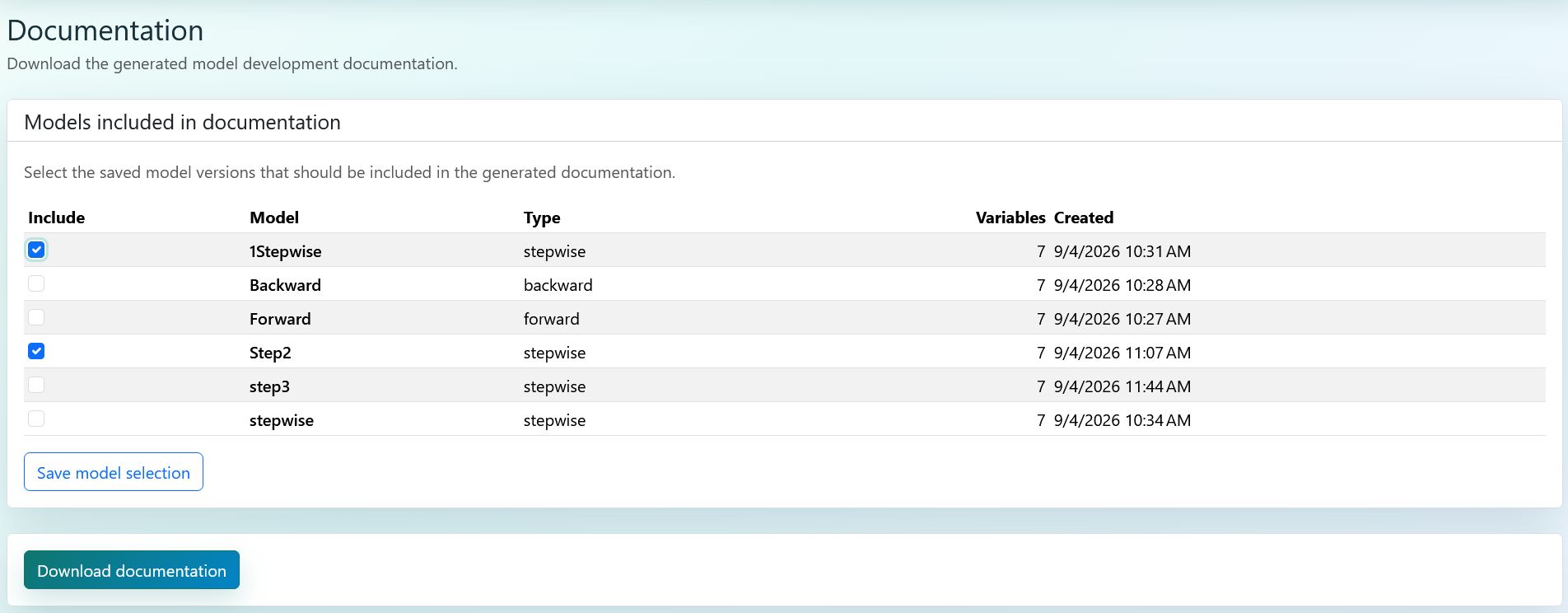
Generate consistent model documentation from the development results.
Data, binning, stability, correlation and model chapters reference the same underlying results.
What does the modelling team get?
Traceable decisions
Variable roles, binning results, correlation filters and model parameters stay in one workflow.
Faster iteration
Modelling settings can be reused and saved models can be compared immediately.
Documentable output
Tables, curves and explanations for the report come from the same system.
Frequently asked questions
What is ISA for?
ISA is a web application for developing bank scorecards and binary classification models. The workflow supports the path from data loading through variable role setup, binning, stability and correlation review to regression modelling and documentation.
Can CSV or Excel files be uploaded?
Yes. ISA supports CSV, TSV, TXT and Excel based uploads. After upload, the dataset can be selected as the active modelling dataset and the later workflow steps use it consistently.
Can ISA connect to an existing database?
Yes. ISA supports PostgreSQL, MySQL, Microsoft SQL Server and Oracle database connections, so modelling data can be imported directly from enterprise data sources.
Is modelling expertise required?
Not necessarily. ISA provides multiple automations, including automatic development and test sample splitting, auto-binning and stepwise modelling. Users with modelling expertise can still review, control and fine-tune the decisions.
Which model variants does ISA support?
ISA supports logistic regression scorecard models with enter, forward, backward and stepwise variable selection logic. Saved models can be compared by performance and variable composition.
How does ISA support model stability?
When a time dimension is selected, ISA evaluates stability in addition to model performance. WoE and IV trends over time and SSI results help identify unstable or drifting variables.
Why is the standardized workflow useful?
The standardized workflow reduces ad hoc decisions that are hard to trace. The same system stores data, binning, stability, correlation and model information, making development easier to review and document.
Can ISA generate automated documentation?
Yes. ISA can generate consistent model documentation from saved modelling results, tables and curves, supporting development, validation and business review.
Contact and demo access
If the above has caught your interest, register for free demo access with the Registration button and try ISA on public Kaggle datasets.
For dedicated access or use of ISA as an internal application in your own environment, please contact Bankárképző experts about implementation options and pricing.
- Contact
- Öcsi Béla
- [email protected]
- Phone
- +36 1 22 40 700